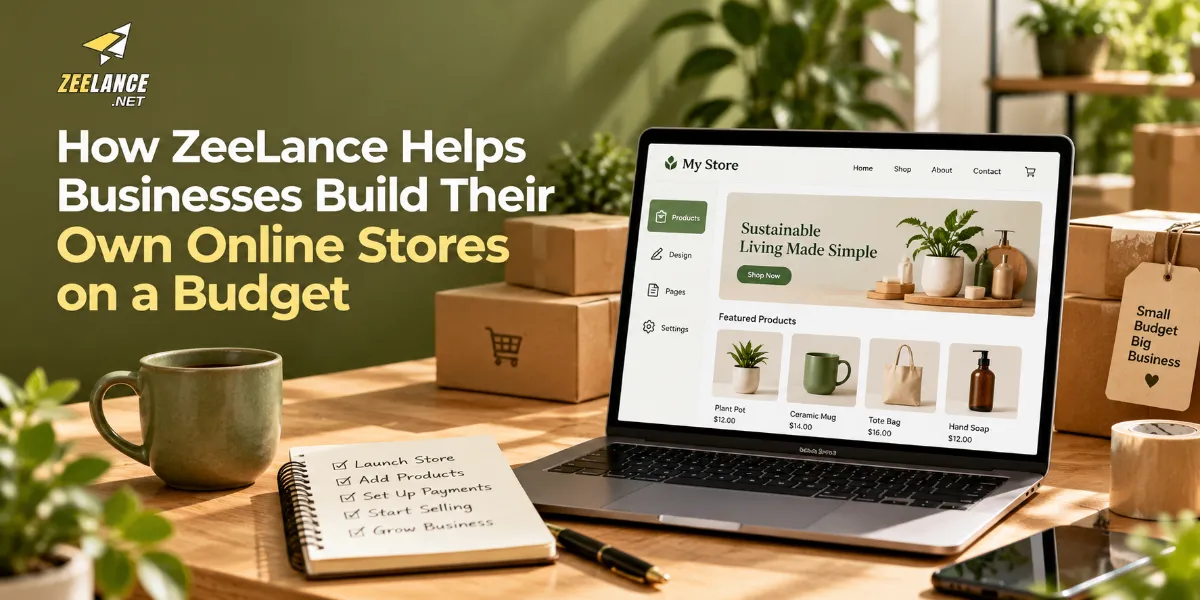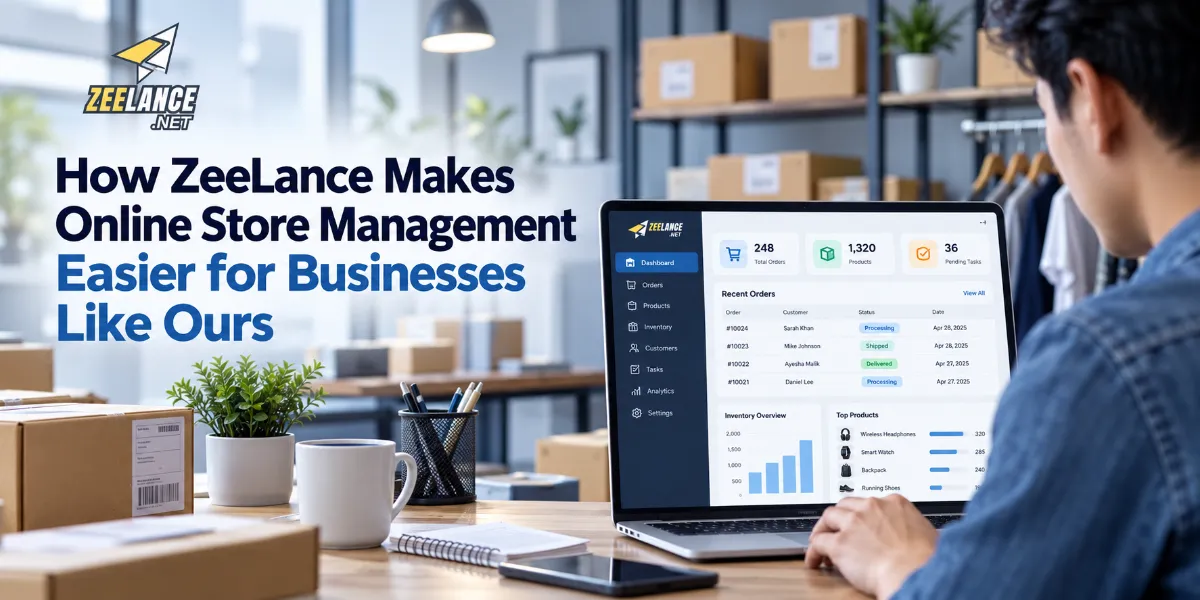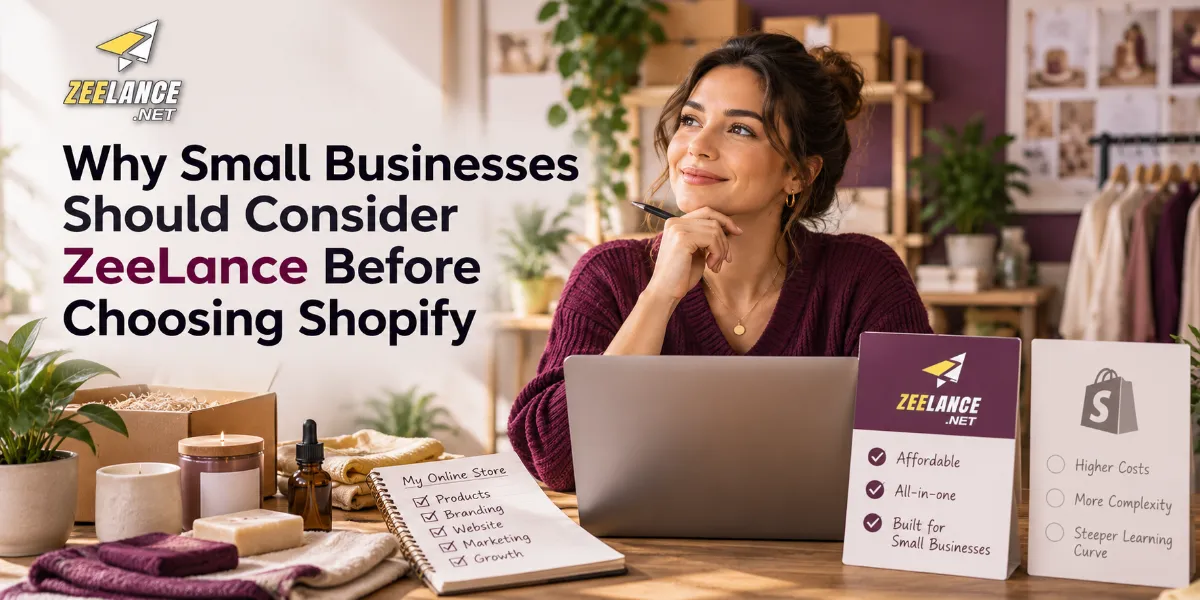

Starting an online store is an exciting opportunity, but costs can become a concern for entrepreneurs with limited budgets. Website development, product photography, inventory, payment processing, marketing, and customer service all require planning. A practical ecommerce setup should help a business reach customers without spending money on features it does not need.
ZeeLance is an option that businesses may evaluate when searching for an appropriate online store solution. The right approach is to identify essential requirements, compare the platform's verified pricing and features, and build the store in manageable stages.
This guide explains how small businesses can approach an affordable online store project while keeping quality, usability, and long-term flexibility in mind.
Start With a Realistic Budget
Before selecting a platform, prepare a budget that covers both initial and recurring expenses. A website may look affordable at the beginning but become expensive when additional services are included.
List the anticipated costs for the domain, platform plan, design, product images, payment processing, shipping arrangements, maintenance, and marketing. Separate essential expenses from optional upgrades.
A useful budget should also include a contingency amount for unexpected requirements. This reduces the risk of running out of funds before the store is ready to launch.
When evaluating ZeeLance, current pricing and confirm what is included. Compare the total cost with other suitable platforms rather than relying only on promotional prices or assumptions.
Define What the Store Must Do
A small store does not need to launch with every advanced feature. Begin with a clear list of essential functions.
These commonly include a homepage, product categories, product detail pages, contact information, a shopping or enquiry process, and clear delivery or shipping policies. Depending on the business, payment options, inventory controls, and order notifications may also be essential.
Write down how customers will move from discovering a product to completing an order. This customer journey should guide the website structure.
If ZeeLance supports the required workflow, it can be considered as part of the shortlist. Verify the features directly before making a final commitment.
Organize Products Before Building Pages
Product organization makes an online store easier to browse and manage. Group similar items into meaningful categories, use consistent naming, and avoid creating unnecessary categories with only one or two products unless they serve a clear purpose.
Each product listing should contain an accurate name, useful description, price, available options, and high-quality images. For clothing, include relevant sizes and colours. For jewellery, explain materials and dimensions accurately. For groceries, show units and availability clearly.
Prepare product information in a spreadsheet before uploading it. This can reduce errors and make later updates easier.
Images should be clear, appropriately cropped, and consistent in style. Avoid using photographs that misrepresent the actual product.
Create a Professional Website Design
An affordable store can still look professional. Use a consistent colour palette, readable fonts, simple navigation, and clear calls to action. The homepage should explain what the business sells and help visitors find important categories quickly.
Prioritize mobile responsiveness. Many customers browse online stores on smartphones, so menus, product galleries, and checkout elements must remain easy to use on smaller screens.
Keep the design focused on the products. Excessive animations, cluttered layouts, and unnecessary pop-ups can distract visitors and slow the shopping experience.
During setup, review the design options available through ZeeLance and determine whether they meet your branding and usability requirements.
Control Costs Without Sacrificing Quality
There are several ways to manage expenses responsibly. Start with a manageable product range, create your own accurate descriptions, use consistent product photography, and choose only the integrations required for launch.
Free or lower-cost tools may be sufficient for basic tasks, but always review licensing, security, reliability, and usage restrictions. Avoid selecting a service purely because it is free if it cannot support important business operations.
Do not cut costs by ignoring security, customer support, mobile usability, or accurate product information. These are essential elements of a credible online business.
Make SEO Part of the Launch Plan
Search engine optimization should begin while the website is being organized. Choose descriptive page titles, write useful meta descriptions, and create clear category names.
Use relevant keywords naturally. A local clothing store, for example, might target product-related and location-related phrases when they accurately describe its services. Avoid repeating keywords excessively or creating pages with little useful information.
Write original product descriptions that answer real customer questions. Add descriptive alternative text to meaningful product images and link related categories where appropriate.
SEO takes time and does not guarantee rankings. Monitor performance and improve pages based on search data and customer behaviour.
Test Everything Before Launch
Before announcing the store, test it as if you were a customer. Browse the catalogue, open product pages, change product options, and complete a test order where possible.
Check prices, spelling, contact information, shipping details, payment instructions, and mobile layouts. Confirm that order notifications and customer communication processes work as expected.
Ask another person to test the site. A fresh visitor may notice confusing navigation or missing information that the owner has overlooked.
Conclusion
Building an affordable online store is about making informed choices, not simply choosing the cheapest service. ZeeLance may be worth evaluating if its confirmed features and total pricing align with the business's requirements.
A realistic budget, organized product catalogue, professional design, useful SEO, and careful testing can help a small business establish a strong digital foundation. By launching with essential features and expanding as demand grows, entrepreneurs can manage resources more effectively while building a better experience for their customers